
Delta Force on Console: The Complete PS5 and Xbox Guide
Search "Delta Force console" and most of what you find was written at the August 2025 launch or before it. That means you get old answers: locked 60 FPS, no keyboard and mouse, crossplay you supposedly cannot escape. Every one of those has since changed. Here is the current picture for PS5 and Xbox Series X|S, updated for the live game.
Is Delta Force on console, and which ones?
Yes. Delta Force is live and free-to-play on PlayStation 5 and Xbox Series X|S. The console version launched on August 19, 2025, roughly a year after the PC open beta and four months after the mobile release.
There is no last-generation version. PS4 and Xbox One were floated in early pre-launch coverage, but the game shipped for current-generation hardware only. There is also no Nintendo Switch version. If you are on PS5, PS5 Pro, Xbox Series X, or Xbox Series S, you can download and play it for free right now.
The console build carries all three core modes: the 32v32 Warfare mode, the Operations extraction mode, and the Black Hawk Down campaign as free DLC. Nothing is paywalled behind a purchase, and there are no pay-to-win mechanics. For a platform-specific walkthrough, our PS5 setup and Xbox guide cover install and first-boot steps in more detail.
What is new for console players in Season 10
The single most important thing to know about Delta Force on console is that it is a live-service game, and the console version has changed a lot since it launched. The current season is Meltdown, which went live across PC, mobile, and console on June 30, 2026.
If you played at launch and bounced off, the console experience today is not the one you remember. Since August 2025, the developers have shipped higher frame rates, native keyboard and mouse support, controller handling fixes, and a run of interface improvements, most of them bundled into the seasonal updates that followed launch.
Here is the short version of what arrived after launch:
Higher frame rates, including 120 FPS support on supported maps
Native keyboard and mouse input on console
Aim assist and controller movement tuning
A console-only crossplay option and clearer matchmaking controls
PS5 Pro enhancements on the roadmap
For the full rundown of Meltdown content, weapons, and map changes, see our Season 10 guide and the deeper Meltdown breakdown.
How Delta Force runs on console: frame rate and resolution
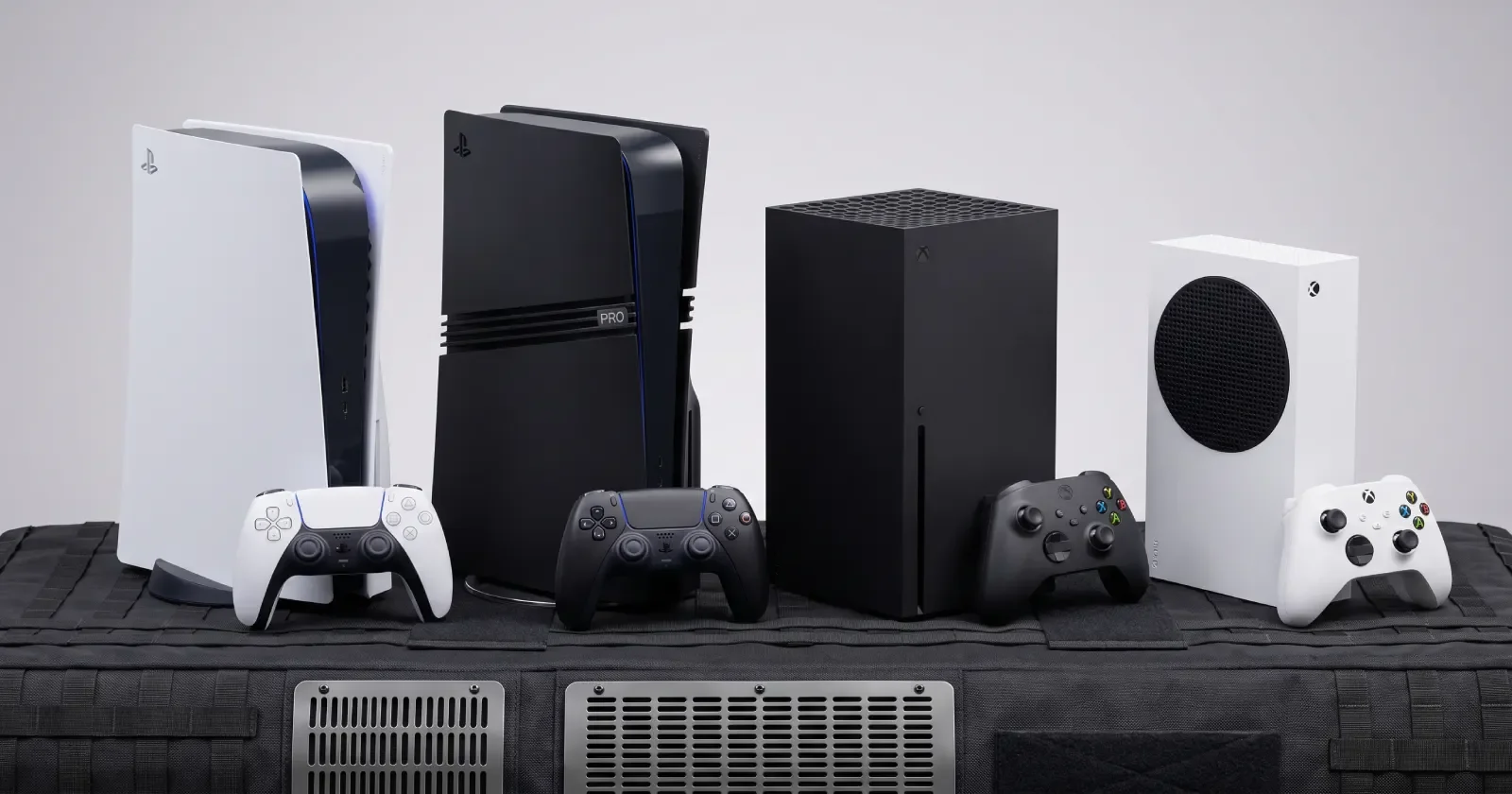
At launch, Delta Force ran at a stable 60 FPS on both PS5 and Xbox Series X, targeting 1440p, with Xbox Series S at 1080p. That was the whole story on day one: 60 FPS locked, no higher option, and a Performance Mode that early hands-on coverage flagged as inconsistent.
That changed with the post-launch frame rate and graphics optimizations. The developers enabled higher frame rates, with 120 FPS support arriving on a selection of maps and expanding to more maps in later updates. Here is the current lay of the land by platform:
PlatformTarget resolutionFrame ratePlayStation 51440p60 FPS Quality, up to 120 FPS on supported mapsXbox Series X1440p60 FPS Quality, up to 120 FPS on supported mapsXbox Series S1080p60 FPS, higher-frame-rate support added post-launchPS5 ProEnhanced (PSSR planned)60 FPS, further enhancements rolling out
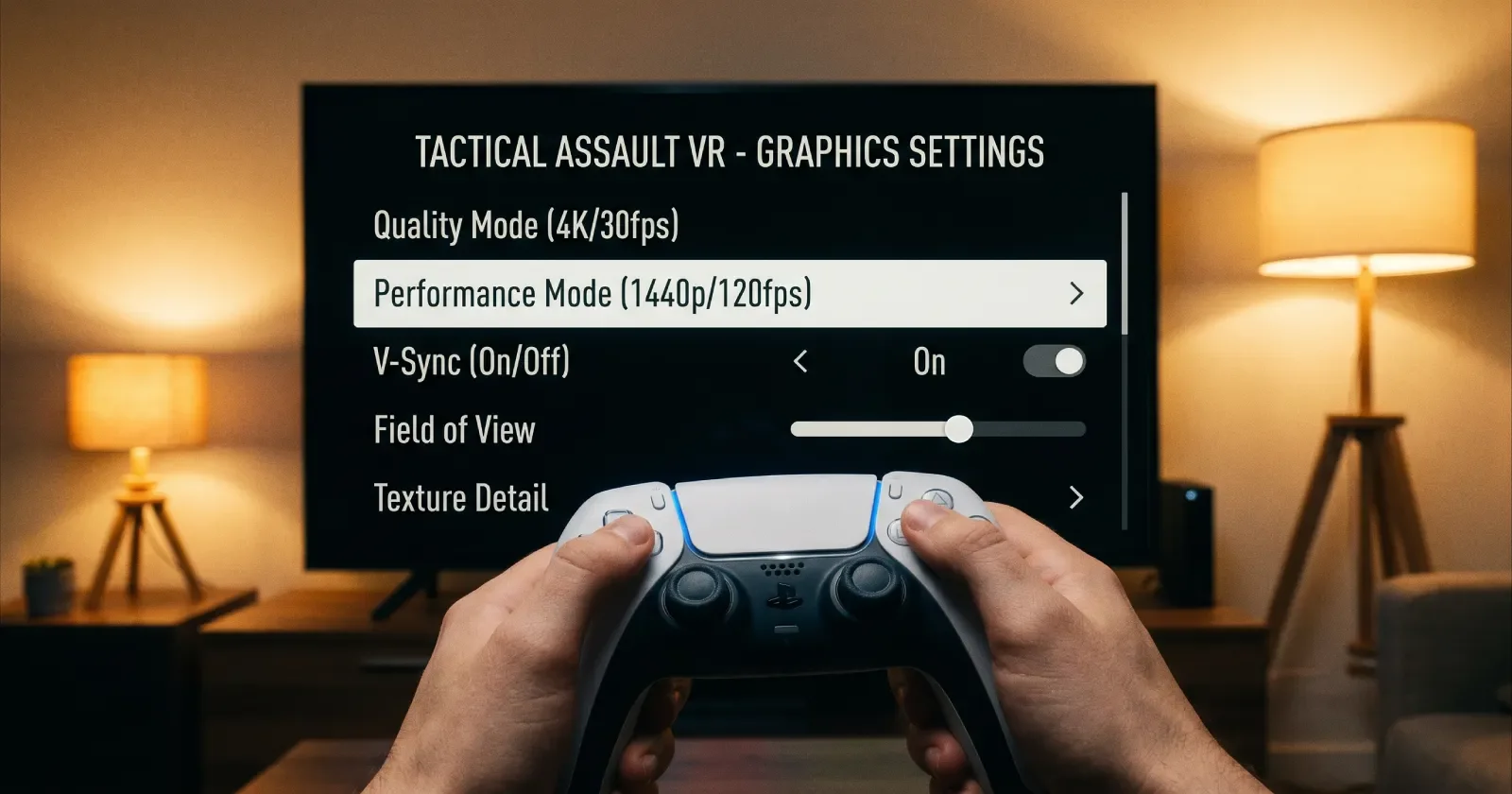
A few practical notes. You can disable vertical sync to unlock the frame limit, which some players use to chase smoother output at the cost of possible screen tearing. Quality Mode holds a steadier 60 FPS, while Performance Mode targets the higher ceiling on maps that support it. If you tested Performance Mode near launch and found it rough, it is worth revisiting on the current build.
PS5 Pro and PSSR
PS5 Pro owners were promised enhancements beyond the base console, including PSSR upscaling support. Those upgrades have been tied to seasonal updates rather than shipping all at once, so treat PS5 Pro gains as an evolving feature set rather than a finished one. If you own a Pro, check the in-game display settings after each seasonal patch to see what has been enabled.
Crossplay on console explained
Delta Force supports crossplay between PS5, Xbox Series X|S, and PC. It does not connect console or PC players with mobile, which stays in its own matchmaking pool.
The part that trips people up is the default. On console, crossplay with PC is off out of the box, which means you start in a console-only pool. You opt into PC lobbies by flipping the toggle yourself. That is the opposite of PC, where players have no toggle at all and are always placed in the shared pool.
This matters more in Operations than in Warfare. In the extraction mode, a mixed lobby means facing PC players who may have far more hours and higher gear value, so many console players leave crossplay off until they find their feet.
How to turn crossplay on or off
On PS5, the toggle has lived in the in-game settings since launch. Open Settings, go to the Game tab, and you will find the crossplay option near the top. Switch it on to include PC players in your lobbies, or leave it off to stay console-only.
Xbox started out rougher. At launch, there was no in-game toggle on Xbox, and players had to disable crossplay through the console's own system settings instead, under Account, then Privacy & Online, then Xbox Privacy. That changed with the console experience update that shipped alongside the Ahsarah season in November 2025, which added a proper console-only crossplay option in-game for Xbox to match PS5. If you are on a current build and still cannot find the in-game toggle, the system-level Privacy & Online path is the fallback.
One more wrinkle worth knowing: cross-invites work for Warfare and Operations, but campaign co-op invites across platforms have historically been the flakiest part of the system.
Keyboard and mouse support on console
At launch, there was no native keyboard and mouse support, and the developers said they had no plans for it. That position reversed. Native keyboard and mouse input was one of the improvements delivered in the console experience update that landed with the Ahsarah season in November 2025.
There is an important catch. Using keyboard and mouse on console reportedly enables crossplay automatically, so you cannot use a mouse in a console-only pool. The reasoning is fairness: mouse aim against controller aim inside a console-only lobby would be lopsided, so the game pushes mouse users into the shared pool.
This native support is separate from third-party cheat adapters. The developers have committed to blocking hardware adapters that spoof input to gain an unfair edge, while offering proper native keyboard and mouse as a supported option. Gyro aiming has also been on the roadmap for console, though timelines have stayed loose, so check the current control settings to confirm what your platform supports today.
Controller settings, aim assist, and the PC gap
Aim assist on controller in Delta Force is noticeably lighter than what you might be used to in other big shooters. You will need cleaner stick input, which makes your sensitivity and deadzone settings matter more than usual. Spend ten to fifteen minutes in the firing range dialing in deadzones and ADS sensitivity before you judge how the game feels.
Be honest with yourself about the PC gap. A PC player on mouse can hold a real frame-rate and precision advantage, especially at range. That is exactly why console-only matchmaking exists, and why leaving crossplay off is the sensible default while you learn maps, gear economy, and weapon feel. Once you are extracting consistently and running solid gear, flipping crossplay on for faster Warfare queues is a fair trade.
If you want to close that gap faster, working through your positioning and loadout choices with a coach shortcuts a lot of trial and error. Our Delta Force coaching sessions focus on the habits that actually move your extract rate, not just settings tweaks. Pair that with our console loadouts and PvP weapons picks to build a kit that holds up in mixed lobbies.
Cross-progression and LIPASS
Crossplay and cross-progression are two different things. Crossplay is who you can play with. Cross-progression is whether your account carries between devices. Delta Force supports both, and cross-progression runs through a Level Infinite Pass, usually shortened to LIPASS.
When you first boot the game on console, link a LIPASS account. If you skip that prompt, your console progress stays locked to that console and will not carry to or from PC and mobile. Link it, and your operators, skins, weapons, currency, and Battle Pass progress carry across platforms tied to the same LIPASS.
If you already played on PC or mobile, sign in with that same LIPASS on console and your unlocks appear. If you are brand new on console, create one on first launch and you are set. Account changes can trigger cooldown periods, so link it correctly the first time rather than fixing it later.
Game modes and storage on console
The console version includes the full mode lineup. Warfare is the large-scale 32v32 mode with vehicles and objectives across big maps. Operations is the extraction mode built around stealth, loot, and getting out alive. Black Hawk Down is the free mission-based campaign, playable solo or in co-op.
Storage is worth planning for. The install is sizable, and seasonal updates add to it, so keep a comfortable buffer of free space, ideally around 45 GB or more, to avoid update failures and "insufficient space" errors mid-download. If an update stalls, clearing space and restarting the download resolves most cases.
New to the game or coming back after a break? Our level up fast tips and best weapons rankings will get you productive quickly, and the full arsenal list covers everything you can unlock.
Key takeaways
Delta Force is free-to-play on PS5 and Xbox Series X|S, live since August 19, 2025. There is no PS4, Xbox One, or Switch version.
The console version has changed a lot since launch. The current season is Meltdown, live June 30, 2026.
It launched at 60 FPS. Higher frame rates followed, with 120 FPS on supported maps. PS5 Pro enhancements are rolling out.
Crossplay with PC is off by default on console. You opt in through Settings, Game tab. PC has no toggle.
Native keyboard and mouse arrived post-launch, but using it enables crossplay automatically.
Cross-progression runs through LIPASS. Link it on first boot or your console progress stays stuck to that console.
Frequently asked questions
Is Delta Force free on console?
Yes. Delta Force is fully free-to-play on PS5 and Xbox Series X|S, with no purchase required to download or play. All game modes, operators, and the Black Hawk Down campaign are free. The game funds itself through cosmetic and Battle Pass purchases, not pay-to-win mechanics.
Is Delta Force on PS4 or Xbox One?
No. The console version is current-generation only, meaning PS5 and Xbox Series X|S. PS4 and Xbox One were mentioned in early pre-launch rumors but were not part of the actual release. There is also no Nintendo Switch version.
Does Delta Force have crossplay on console?
Yes, between PS5, Xbox Series X|S, and PC. On console it is off by default, so you start in a console-only pool and opt into PC lobbies through the settings. Mobile players are kept in a separate pool and cannot match with console or PC.
How do I turn off crossplay in Delta Force?
On PS5, open Settings, go to the Game tab, and use the crossplay toggle near the top. Xbox got the same in-game toggle with the console experience update in November 2025; before that, Xbox players had to disable it through system-level Privacy & Online settings instead. Turning it off limits your matchmaking to other console players.
Does Delta Force support keyboard and mouse on console?
Yes. Native keyboard and mouse support was added after launch, arriving with the console experience update in late 2025. Using keyboard and mouse enables crossplay automatically, so you cannot use a mouse while staying in a console-only pool. This is separate from banned third-party cheat adapters.
Does Delta Force run at 120 FPS on console?
It can, on supported maps. The game launched at 60 FPS, and higher frame rates including 120 FPS were added in later updates, initially on a selection of maps that expanded over time. Quality Mode holds a steadier 60 FPS, while Performance Mode chases the higher ceiling where available.
What resolution does Delta Force run at on console?
PS5 and Xbox Series X target 1440p, while Xbox Series S targets 1080p. PS5 Pro is set to receive further enhancements, including PSSR upscaling, rolling out through seasonal updates. You can disable vertical sync to unlock the frame limit at the risk of some screen tearing.
Can I move my PC or mobile account to console?
Yes, through a Level Infinite Pass, or LIPASS. Sign in with the same LIPASS on console and your operators, skins, weapons, and progress carry over. If you skip linking on first boot, your console progress stays locked to that console.
Is Delta Force crossplay good for beginners?
Not usually. New console players are better off leaving crossplay off at first, since mixed lobbies can put you against PC players with mouse precision and more hours in the game. Once you are extracting consistently and running decent gear, turning it on for faster queues becomes a reasonable trade.
How much space does Delta Force take on console?
The install is large and grows with each seasonal update, so keep a healthy buffer of free space. Aiming for around 45 GB or more of headroom helps avoid failed updates and "insufficient space" errors. If a download stalls, freeing up space and restarting it usually fixes the problem.
Which console is best for Delta Force?
PS5 and Xbox Series X deliver the strongest base experience at 1440p, with PS5 Pro positioned to pull ahead as its enhancements roll out. Xbox Series S runs the game well at 1080p and remains a solid budget option. All current-generation consoles play together through crossplay when you enable it.